
PointCab Software

TitlePointCab Software - The solution for all point clouds
Analyzing and sharing point cloud data has never been so easy.
Whether you are a surveyor, architect or planner, PointCab offers ideal solutions for analysing and sharing point cloud data. The user-friendly software solutions offer you the perfect point cloud workflow that is efficient, intuitive and precise. Thanks to state-of-the-art technologies and seamless integration into your existing working environment, you save time and resources while achieving high-quality results.
TitlePointCab Origins
PointCab Origins is the all-in-one solution for analyzing point cloud data – regardless of the laser scanner and compatible with all CAD and BIM systems.
PointCab Origins provides:
- Create floor plans and measurements with just a few clicks
- Processing of point cloud data from all common 3D scanners
- Export of results for all common CAD software
- Intuitive operation and easy to learn
- Plugins for AutoCAD, ArchiCAD, Revit and more
PointCab Origins enables you to quickly analyse laser scanner measurement results. The results obtained can then be interpreted quickly and easily, even without experience in handling point cloud data (floor plan, sectional view, façade view, orthophoto, panoramic view).
The high compatibility of PointCab Origins is particularly impressive, as the results obtained can be further processed in almost all commercially available CAD software. You can simply process the data in your existing CAD system. The advantage here is the high level of user-friendliness, which enables quick familiarization with the software even without training.
TitleOrigins - Products & modules
PointCab Origins is the ultimate tool for analyzing point cloud data. From point cloud registration and vector data creation to seamless integration of the results into your CAD system, Origins (Core/3D) offers a comprehensive and efficient point cloud workflow.
PointCab offers two versions of Origins: the core version and the extended 3D version, which are specially tailored to your individual needs. A university licence, a student licence and the PointCab 4CAD plug-ins are also available.
TitlePointCab Origins Core
PointCab Origins Core allows you to create detailed 2D floor plans, façade views and a digital measurement from the point cloud. There is no need for time-consuming navigation in the point cloud; you automatically receive a top, front and side view.
PointCab Origins includes the following modules:
- Layout & Section
- Sketch
- Align Project
- Merger
- Web Export
- Transformation Calculator

TitlePointCab Origins 3D
PointCab Origins 3D is in the middle of the Origins and Origins Pro versions, offering advanced 3D features that go beyond the standard version, but may not include all the specialized tools of the Pro version. It is particularly suitable for users who require specialized 3D processing without the extensive requirements and cost of the Pro version.
Tools included in Origins 3D are:
- Layout & Section
- Sketch
- Align Project
- Merger
- Web Export
- Transformation Calculator
- Space Warp
- Vectorizer
- Point cloud Export
- Mesh
- Volume

TitlePointCab Origins Core modules at a glance
Layout & Section
Create layouts and sections from your point cloud data in no time at all and with just a few clicks – including difference comparison and analysis, of course, and colored if desired.
Sketch
Measure areas, distances, 3D points and angles. Attach photos and texts to specific areas of the point cloud or examine the point cloud in more detail in the automatically generated panoramic views.
Align Project
It is not uncommon to receive point cloud data that is not aligned as you would need it for further processing. With the "Align Project" tool, you can align your data exactly as you want it.
Merger
Simply create location-correct overall plans from your results. The created plans are scaled and have an attached coordination file. This allows you to merge your plans without losing the context of the object.
Web Export
With the Web Export, you can quickly and easily share your results as an HTML or PDF file. Naturally in your individual corporate design for a professional presentation of the data.
Transformation Calculator
Combine two projects in a coordinate system, georeference your project or display the difference between previous and current data acquisition in a project.
TitlePointCab Origins 3D modules at a glance
If you need the maximum range of functions, the Origins 3D version is the right choice for you. If you have more demanding requirements, PointCab Origins 3D is the ideal solution.
Vectorizer
Thanks to the semi-automatic Vectorizer, your sections and layouts almost vectorize themselves.
Point Cloud Export
Export entire point clouds or partial sections in the desired file format. No need for frequent conversion.
Mesh
Fast creation of triangular digital terrain models (DTM).
Volume
Determining volumes is no longer a problem with this module. Compliant with REB 22013, of course.
Space Warp
Whether polygonal, cylindrical or curved objects, with the Space Warp tool you can handle everything!
TitlePointCab Origins for macOS
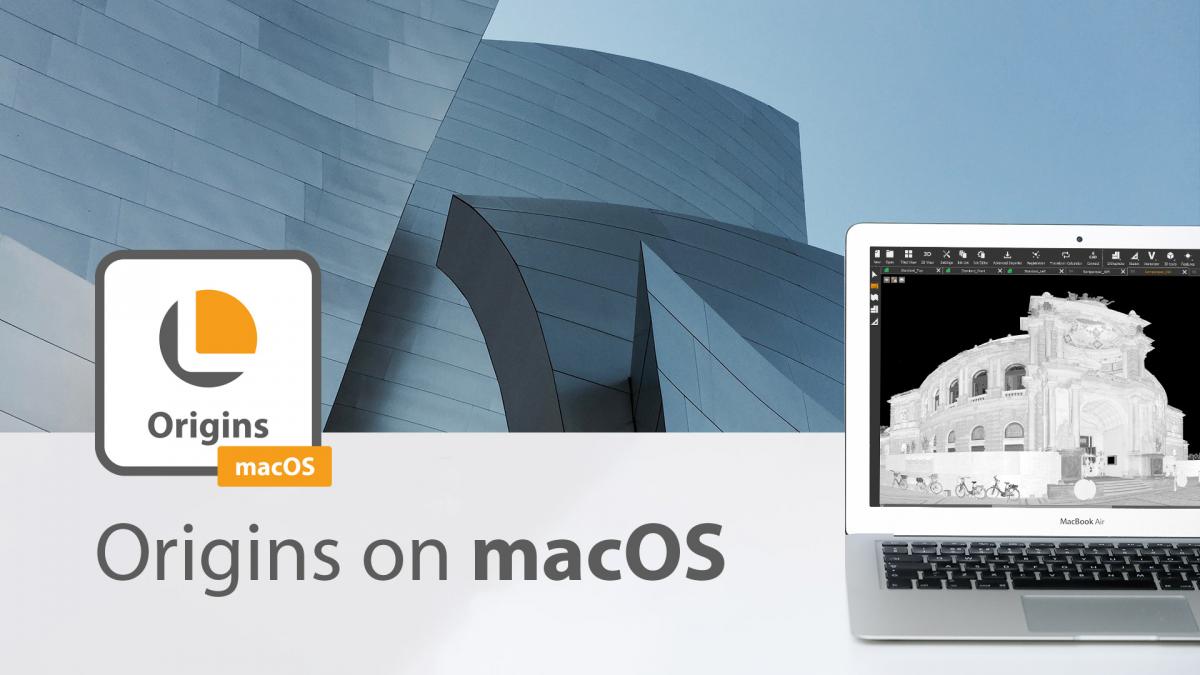
The Origins software for macOS works almost identically to its Windows counterpart. It can read all open laser scanning formats and its results are compatible with all common CAD programmes. Like its Windows counterpart, the macOS version of the Origins software does not require powerful hardware components to run smoothly. Even a Mini-Mac with 8 GB RAM is sufficient to work with Origins. However, there are still a few restrictions to bear in mind. You can find more information on using macOS here.
TitleNebula 2.1 - The smart cloud solution for your point clouds
With Nebula 2.1 from PointCab, you can visualize and share point cloud projects more easily than ever before - directly from the cloud, without sending large amounts of data and with full control over your data. Whether internally in the team or for customers - your project is ready to view with just a few clicks.
- Hosting in your own cloud
- Full data sovereignty & transparent costs
- No upload limit
- Free entry with freemium version
In addition to Nebula 2.1, Nebula Creator also offers everyone the opportunity to use Nebula for free—regardless of whether they are already using Origins or not. With this free desktop tool, point cloud projects can be specifically prepared for online visualization in Nebula.
TitleHow Nebula 2.1 works
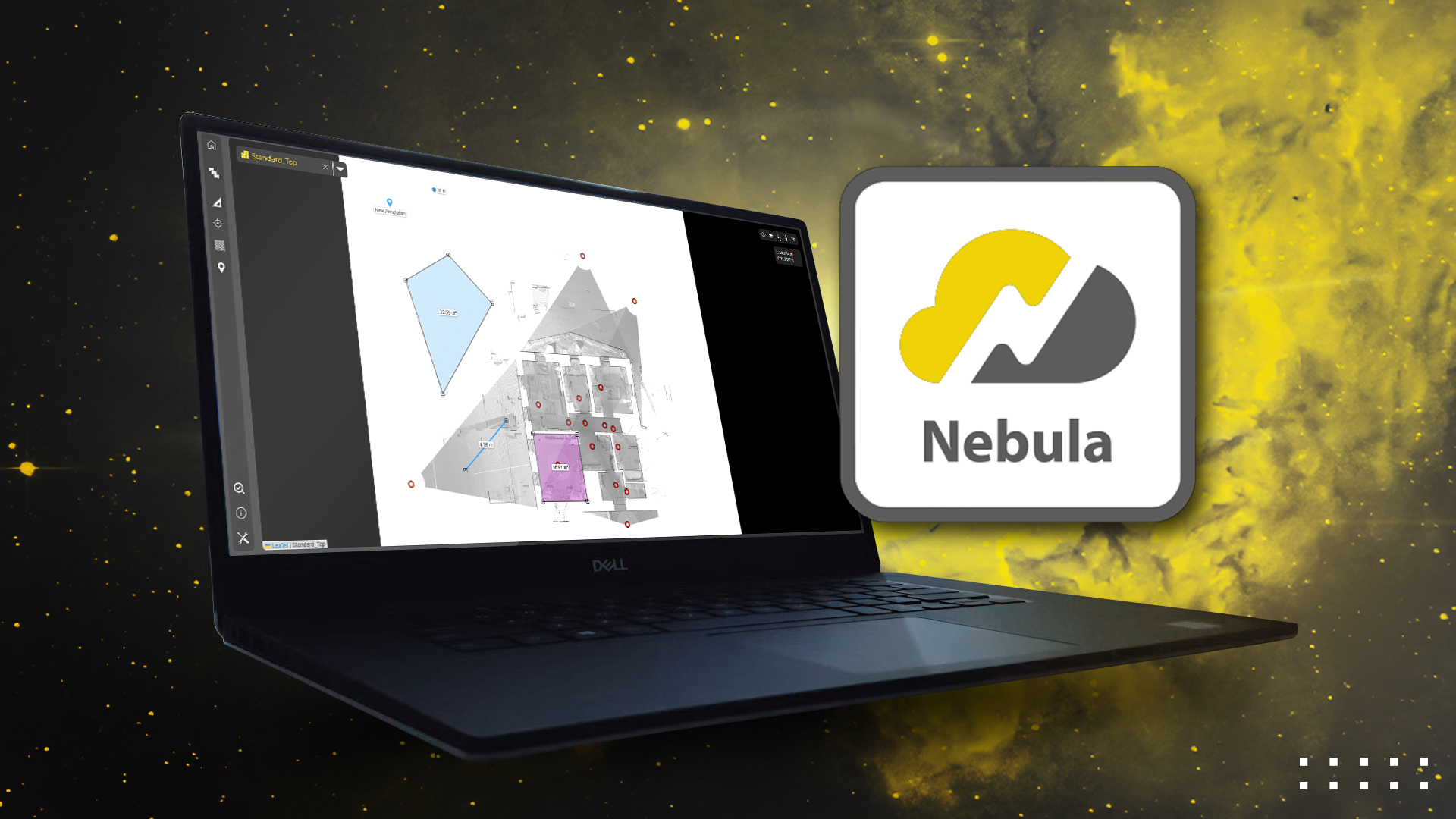
Using Nebula 2.1 is straightforward and flexible: you can either export your point cloud project directly from PointCab Origins or prepare it using the free Nebula Creator - without any additional software. You then upload the complete project folder to your own cloud, e.g. Microsoft OneDrive, Google Drive or Nextcloud. After logging in to the Nebula platform, connect your cloud to Nebula, add the project and place it in a slot. There you can start working on it straight away - for example by setting POIs, taking measurements or storing documentation. As soon as everything is ready, simply share your project via a link - optionally with password protection, an expiration date or restricted access to certain content.
TitleNebula 2.1 - everything at a glance
Experience your point cloud projects online in four different visualization modes:
- 3D point cloud viewer
- Viewer for orthophotos
- Bubble-View
- Panorama view
Features of Nebula 2.1:
- Compatibility with AWS (Amazon Web Services)
- New Download Manager
- Elevation & Cluster Navigation
- “Display Range” option in Bubble Views
- Measurements & POIs in Bubble Views
You can read a detailed overview of the features on our blog:
TitleAdvantages of Nebula 2.1
- Share projects easily via link
- Set online measurements & markers
- Compatible with all common point cloud formats
- No upload limits
- Flexible pricing model according to number of projects
- Own cloud instead of external server
- Unlimited users - free of charge
- Continuous further development based on your feedback
TitlePointCab Workflow
- Scanning process (EXTERN)
3D data acquisition with terrestrial and mobile laser scanners and drones (UAVs). - Scanner independent registration
Combine data from different laser scanners in one project. You can register more than 1000 scans, georeferenced of course. - Digital measurements and automatic floor plans
Thanks to automatic orthophoto views, you can create a digital measurement with just a few clicks. - Export for any CAD/BIM system*
Export your results (floor plans, vector lines, etc.) including all 3D information to all common CAD systems. - Data transfer to the CAD/BIM model*
Direct data transfer to Revit, ArchiCAD or BricsCAD. No export/import. Point cloud data transferred directly to objects. - Finished CAD/BIM model
The fastest and easiest workflow from scan to BIM!
*Steps 4 and 5 are not to be selected consecutively, but alternatively: Either export without plugin or data transfer with plugin.
TitleDiscover PointCab plugins
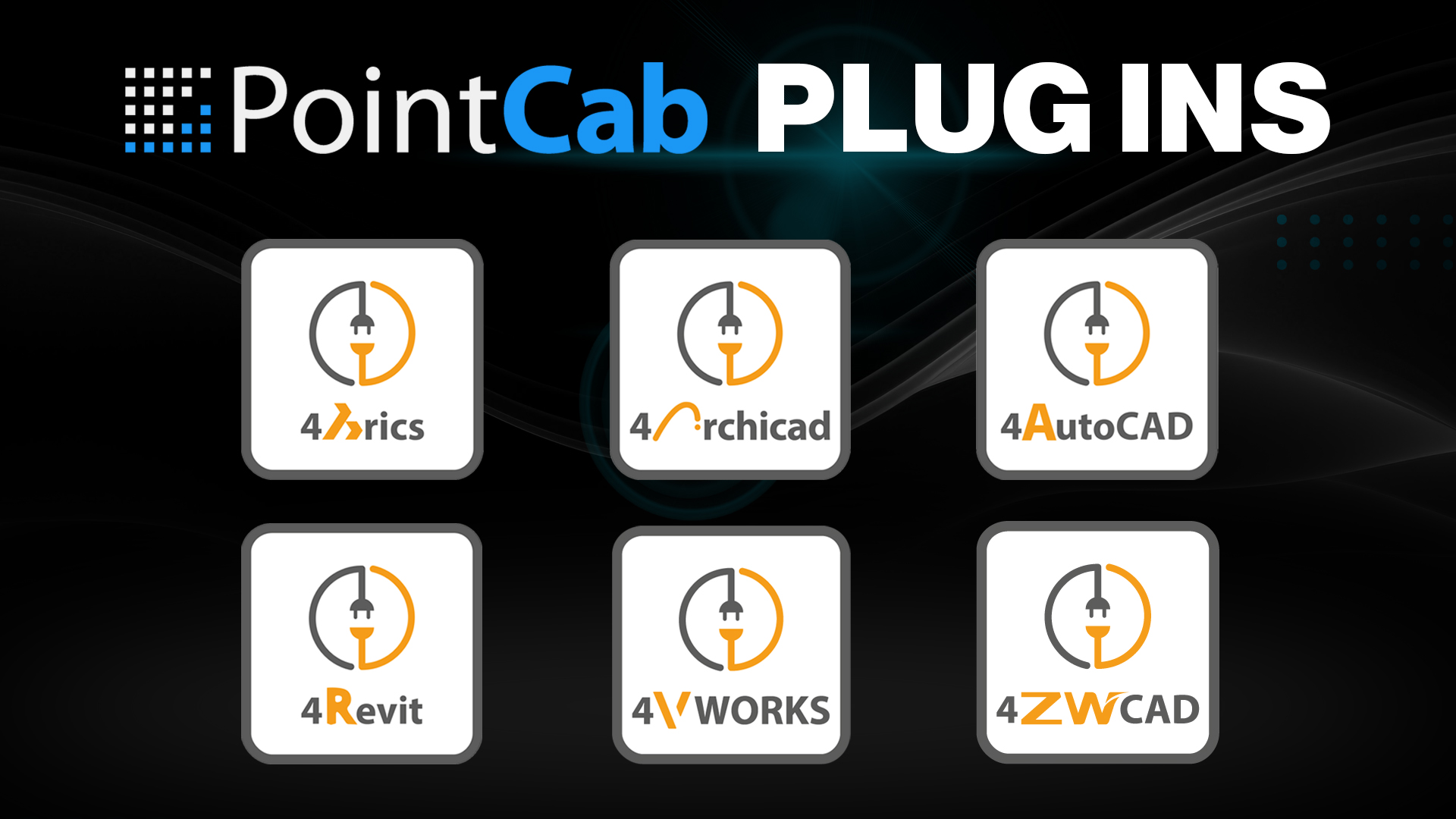
The PointCab plugins are the perfect add-on to Origins. They enable seamless integration into the CAD software and significantly speed up point cloud analysis.
PointCab Origins is compatible with all common CAD programs. You can easily export your results as DWG, DFX or other CAD file formats for seamless further processing in your CAD software. PointCab offers a variety of different plug-ins for those for whom this is not quick and easy enough. With the CAD plug-ins, your point cloud data from Origins is translated directly into CAD objects in your CAD software.

TitleHardware compatibility for PointCab Software
To ensure optimum operation of PointCab Software, your computer must meet the requirements of the software. Please check the hardware components listed below to ensure that PointCab Software runs smoothly on your system.
TitlePointCab system requirements
- Microsoft Windows 10 x64 or macOS (Intel x64)
- Minimum RAM: 8GB, 32GB preferred
- Minimum 10GB HDD (100GB SSD recommended)
- CPU cores: unlimited
- Graphics card: GTX 950/AMD/comparable card or more powerful recommended

TitleCompatible formats in PointCab Software
PointCab Software allows you to import, process and export a wide range of point cloud data. The software's user interface can also be configured in several languages.
Specifications
The PointCab Origins user interface can be set to the following languages:
- Chinese
- German
- English
- French
- Italian
- Japanese
- Polish
- Portuguese
- Romanian
- Russian
- Spanish
- Turkish
- Vietnamese
CAD formats – Export:
- dxf, dwg – AutoDesk AutoCAD
- dae – Collada Open
- 3ds – Autodesk 3D studio max
- x – Microsoft direct3d
Supported CAD software:
- Autodesk AutoCAD, Inventor, Revit
- Bentley MicroStation
- Bricsys BricsCAD
- Dassault Systèmes DraftSight, SolidWorks
- Graphisoft ARCHICAD
- HKK GEOgraf
- Nemetschek Allplan, VectorWorks
- SEMA software
- Trimble SketchUp
- VIS-All 3D
- WETO – VISKON
- and many more…
Point cloud formats – Import:
- lsdx, lse – PointCab Origins/Share
- sproj – Artec
- e57, las, laz, ply – Open Format
- asc – ESRI Grid
- fws, lsproj, fls – FARO
- dae, 3ds, ifc, stl – Mesh Format
- ptg, ptx – Leica
- rcp, rsp – AutoCAD
- xyz, pts – Open Source ASCII
- zfs, zfprj – Zoller+Fröhlich
- rsp, rdbx, rxp – Riegl
- cl3 – Topcon
- dp – DotProduct
- mcx – Mantis
Point cloud formats – Export:
- pod – MicroStation
- xyz – ASCII
- las, laz, e75 – Binär
- spw – Sema
- rcp – Autodesk
- ptx, ptg – Leica
- stl – CAD
- asc – ESRI Grid
PointCab Software also supports all data from terrestrial and mobile scanners as well as from UAVs via the following file formats: E57 / LAS / LAZ /XYZ.

TitleIndustry overview
There are now many industries that have discovered laser scanning for themselves. The advantages are obvious: laser scanning can be used to create a precise digital image of reality – the digital twin. The PointCab Origins pointcloud software is therefore used in many different areas. We have compiled a small selection of industries for you here in which PointCab Origins is used.
TitleArchitecture
Working with laser scanning data is becoming increasingly important in architecture. Many architects are using the possibilities of digital capturing to their advantage – e.g. for planning and visualization. The so-called digital twin is becoming increasingly popular. Here, an exact digital image is created from existing objects. Possible errors or problems can be identified digitally before construction begins. This lays the foundation for more precise and cost-optimized architecture.
TitleBuilding in existing structures

As a fast and precise measurement method, 3D laser scanning is far more efficient than conventional surveying methods. This is why it has become indispensable in the construction sector. Structures such as complex plants, bridges or buildings can be captured and subsequently analyzed within a very short time. 3D laser scanning can therefore be used effectively for construction monitoring and documentation. Individual construction phases as well as the final structure can be documented efficiently. The 3D data can then be used for various purposes. It is possible to take measurements, carry out calculations, check flatness or simply use the scan data for visualization purposes.
TitleHeritage protection
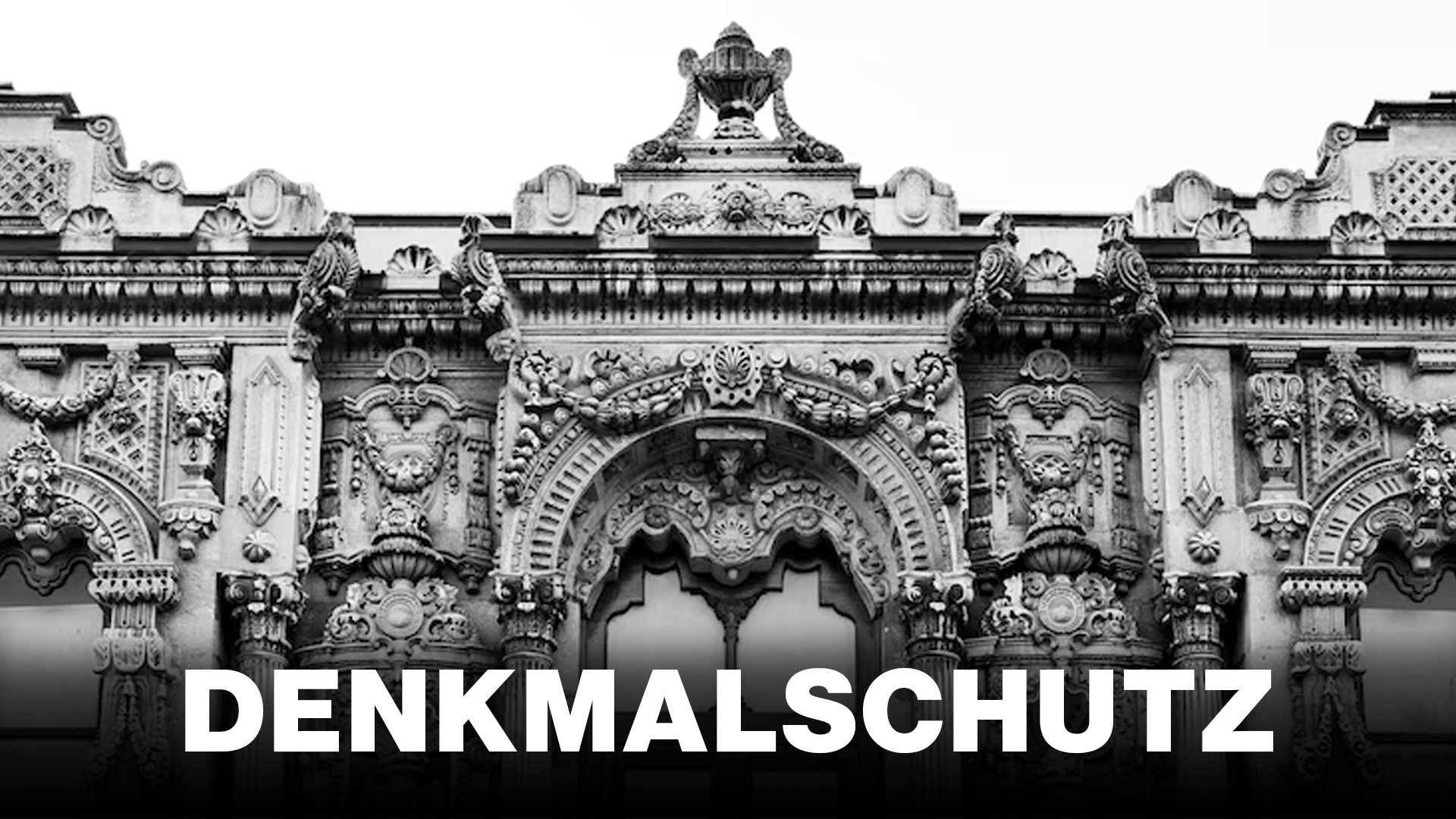
Comprehensive documentation and planning are essential for the preservation of historic buildings and monuments. This is often a major challenge for those responsible and the restorers involved. In most cases, the time available is limited and construction work could be delayed. PointCab Origins is ideally suited for the complete and rapid recording of the existing situation. With PointCab Origins, the point cloud data can be provided quickly and easily. This facilitates further restoration work and enables seamless documentation.
TitleCraft
Project planning and as-built surveys often take a lot of time in the trade. 3D laser scanning offers an enormous advantage in this area. A comprehensive as-built survey can be created in the shortest possible time and with minimal effort. Quickly capturing the current status means less time spent on the construction site. The uniform database avoids planning errors and subsequently shortens the construction time. A 3D measurement at the start avoids time-consuming re-measurements in the event of subsequent changes and new challenges in the construction process. PointCab Origins makes it easy and efficient to prepare and share data with customers and partners. The captured data can be effortlessly passed on in the desired output format with a single click.
TitleIndustrial facilities
The trouble-free operation of factories and industrial plants can only be guaranteed with complete documentation of all machines, supply equipment and technical building equipment. Especially when a new production line, machine or plant is to be installed, complete and accurate plans are the decisive factor for smooth planning. Based on point cloud data of the current building and plant inventory, the installation of new machines can be planned and complete automation processes can be simulated.

TitleSurveying
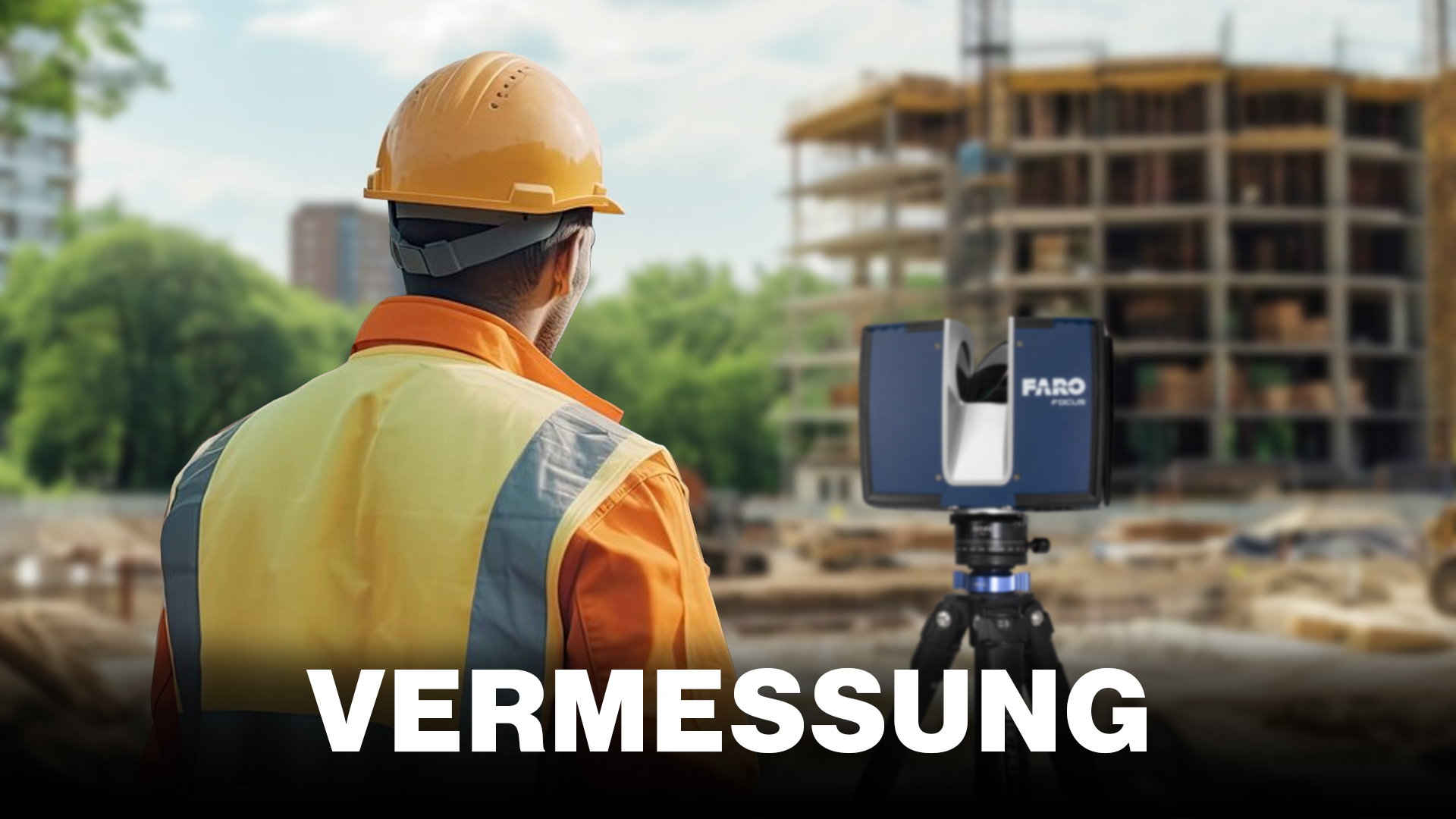
Surveying work is no longer carried out exclusively with total stations. Thanks to state-of-the-art technology such as laser scanners, mobile mapping systems or drones (UAV), larger areas can be surveyed with the same accuracy in the shortest possible time. The exact calculation of areas with sloping or crooked boundaries is no longer an issue. Thanks to PointCab Origins, highly detailed orthophotos can be generated with high accuracy from the images taken by a laser scanner or other system.
TitleDownload sample data: Point cloud and UAV data
Don't have your own point cloud data to hand? No problem! We have a selection of projects for you here that you can use to test PointCab Origins.
Note: A Google account is required for the download in order to access Google Drive.

Better advice for users
Are you interested in our offer or would you like to find out more about PointCab? Then give us a call today and arrange a free, non-binding consultation. We will answer all your questions. As both a dealer and a user, we are ideally positioned to support you after your purchase.