
EXModel & EXModel Pro by Shining3D

TitlePowerful tool for CAD modelling
EXModel is a powerful software that greatly simplifies the entire process from 3D capture to production. With a comprehensive range of tools, it enables the quick and effortless conversion of a scanned mesh into a professional CAD solid model.
While EXModel serves as an essential link between 3D scanning and CAD design, EXModel Pro offers a complete solution for reverse engineering, combining all functions in a single software package.
TitleSeamless conversion of 3D scans to CAD
| Intelligent AI tools for efficient and fast product development in 3D Reverse Engineering. | ||
|---|---|---|
Image  Effortless mesh processing | Image  Precise CAD creation | Image  Improved data utilisation |
Image  Cost-efficient solution | Image  Optimised workflow | Image  Versatile export option |
TitleSeamless integration & easy handling
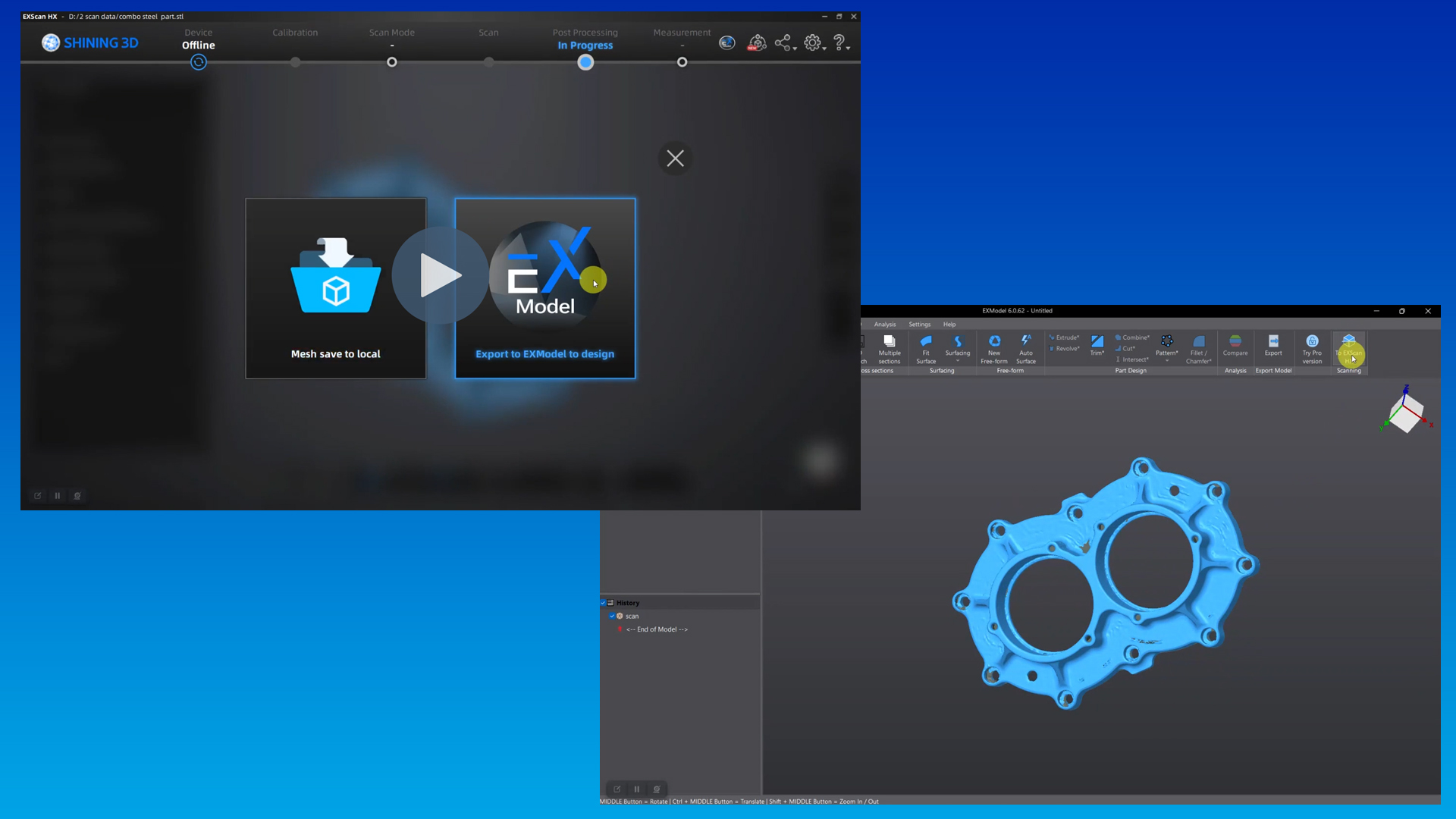
EXModel can be easily integrated into the SHINING 3D scanning software, making the transition from 3D scanning to CAD design particularly straightforward.
After scanning, the mesh data can be transferred to EXModel with just one click, which significantly speeds up the entire workflow.
TitleEfficient mesh processing
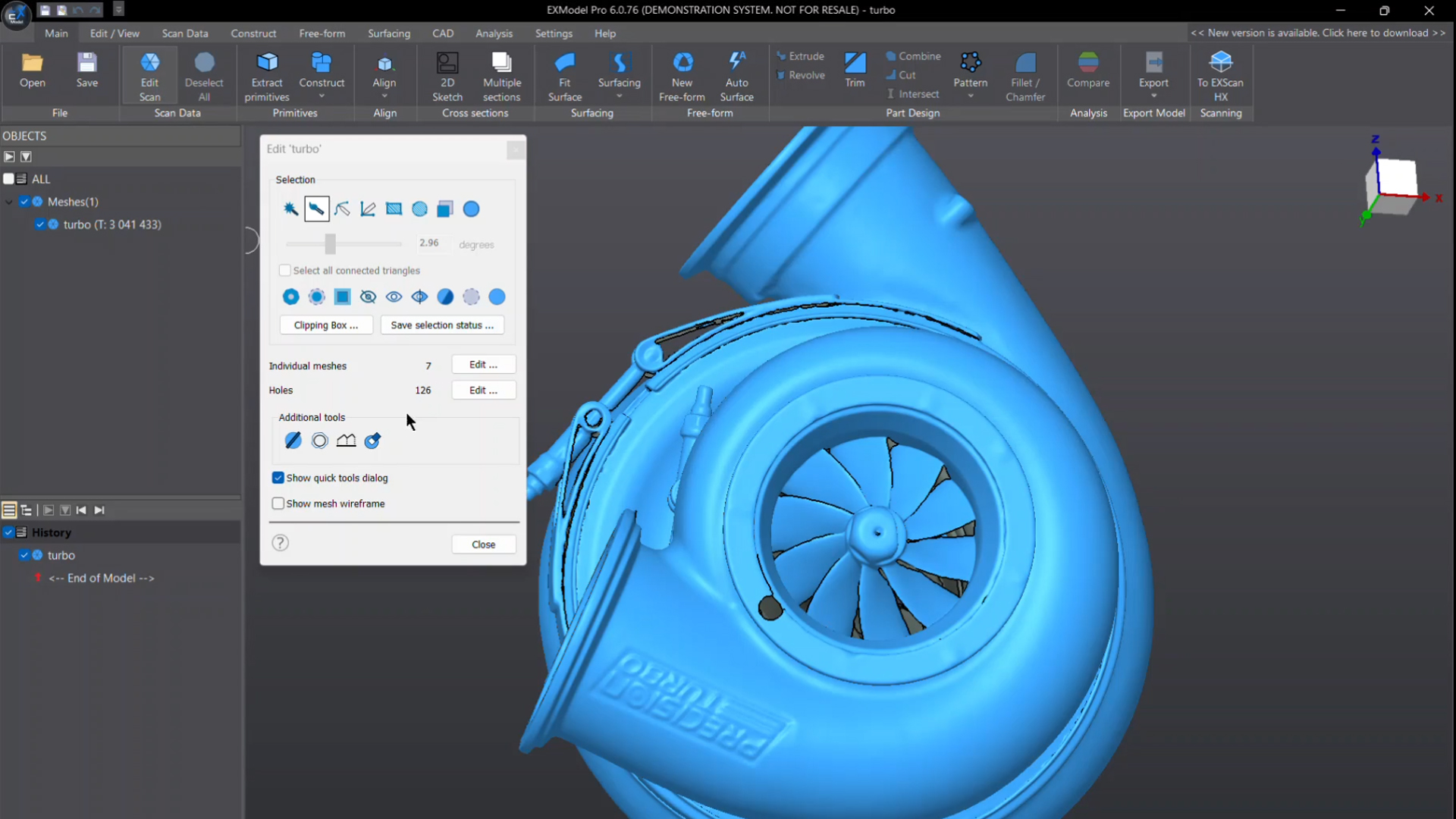
With the user-friendly editing tools in EXModel, mesh data can be optimised in a targeted manner without losing precision. The software makes it easy to fill holes and remove unwanted mesh elements, creating watertight models for 3D printing or Reverse Engineering in no time at all.
TitlePrecise geometry extraction
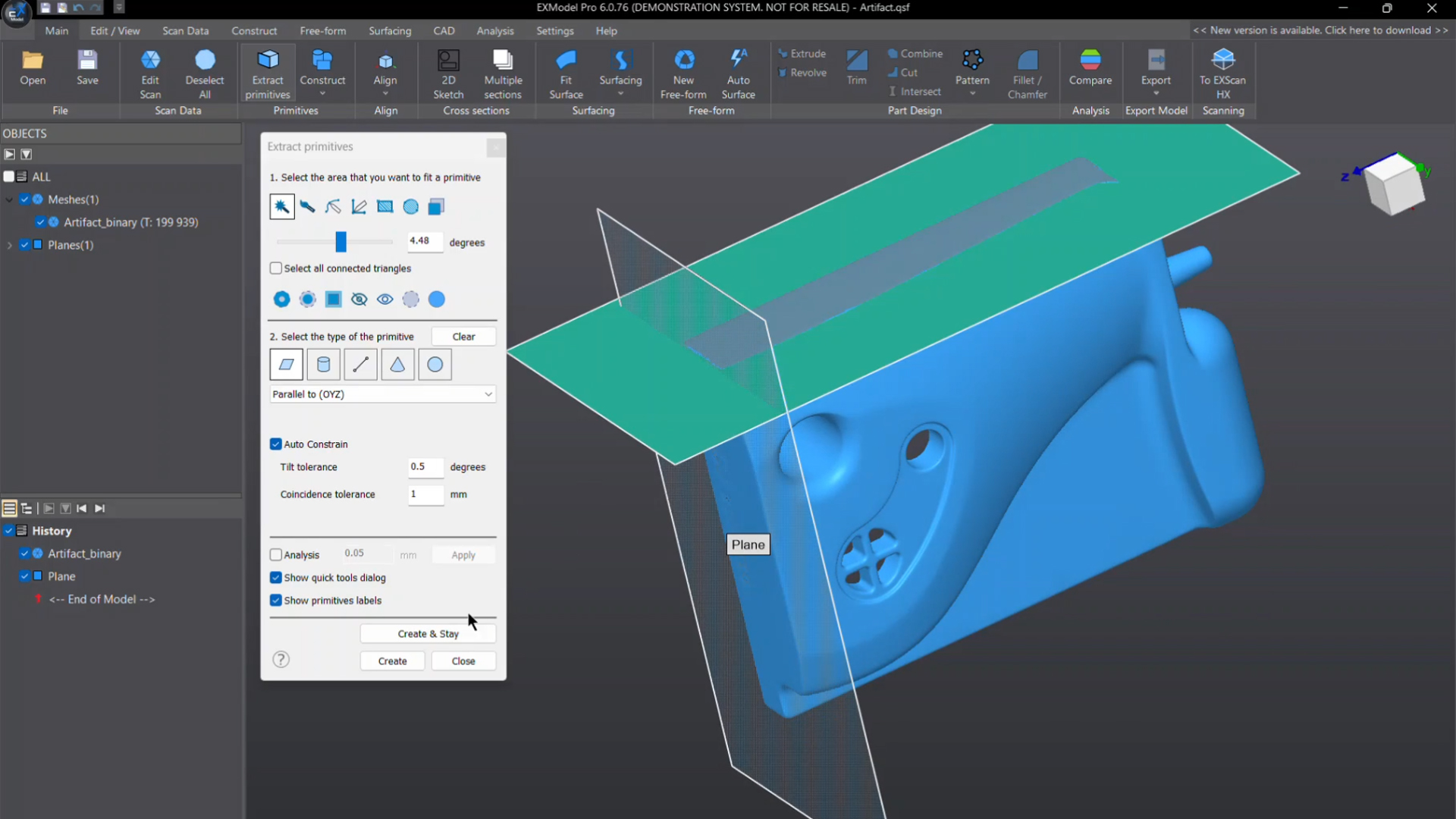
EXModel recognises and reconstructs basic geometric shapes such as planes, cylinders, cones and spheres with a high degree of accuracy.
In addition, reference geometries such as lines and points can be created to align meshes exactly to the world coordinate system or other scan data.
TitlePrecise 2D sketching
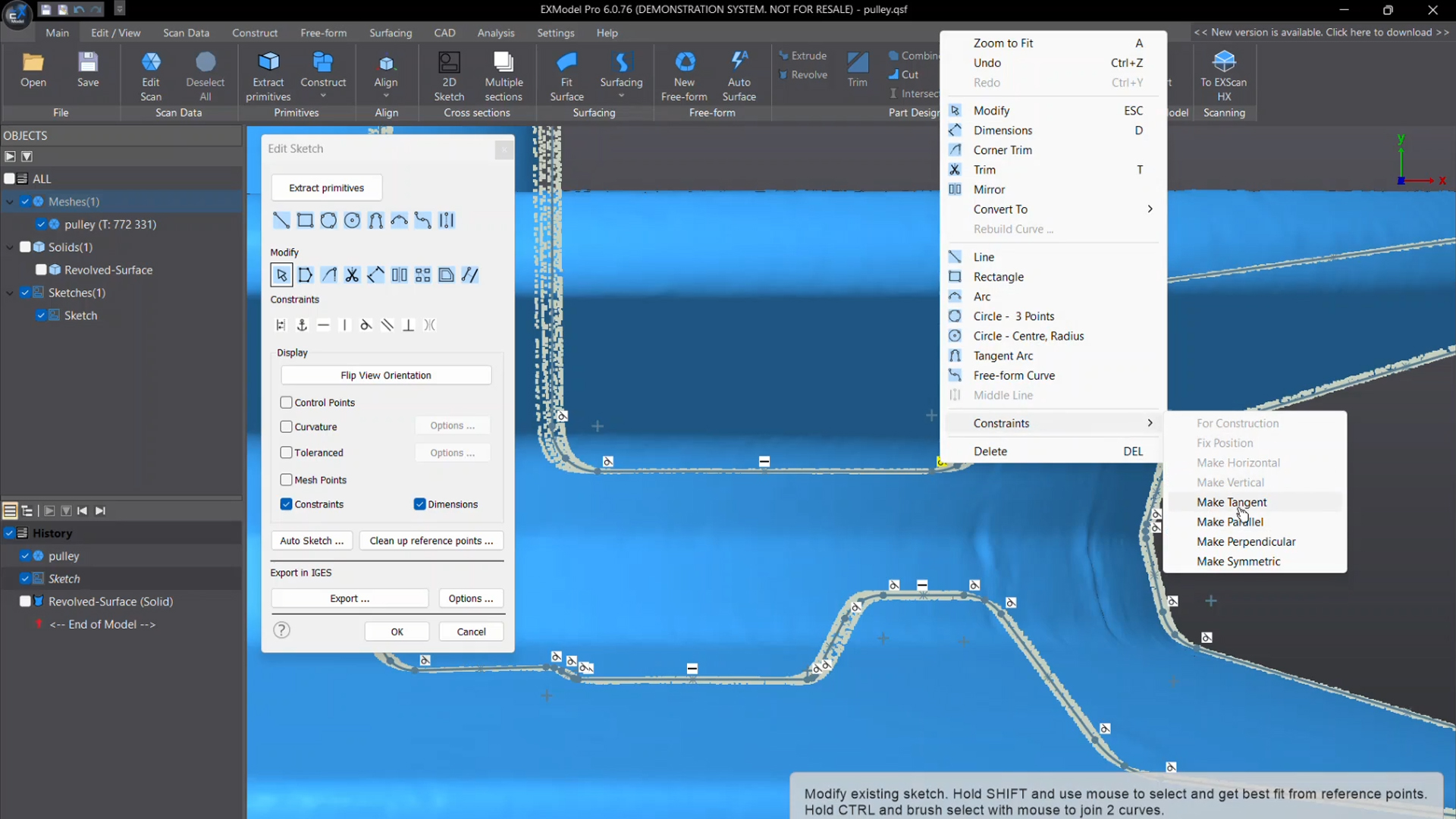
With EXModel Pro's powerful dimensioning and boundary tools, precise sketches can be created directly in the software – comparable to conventional CAD programmes. The interactive cutting function allows you to extract reference points for 2D sketches and create cutting surfaces in parallel with world or CAD planes. For even greater efficiency, several cutting surfaces can be created simultaneously.
Available in EXModel Pro
Title3D sketching & surface generation
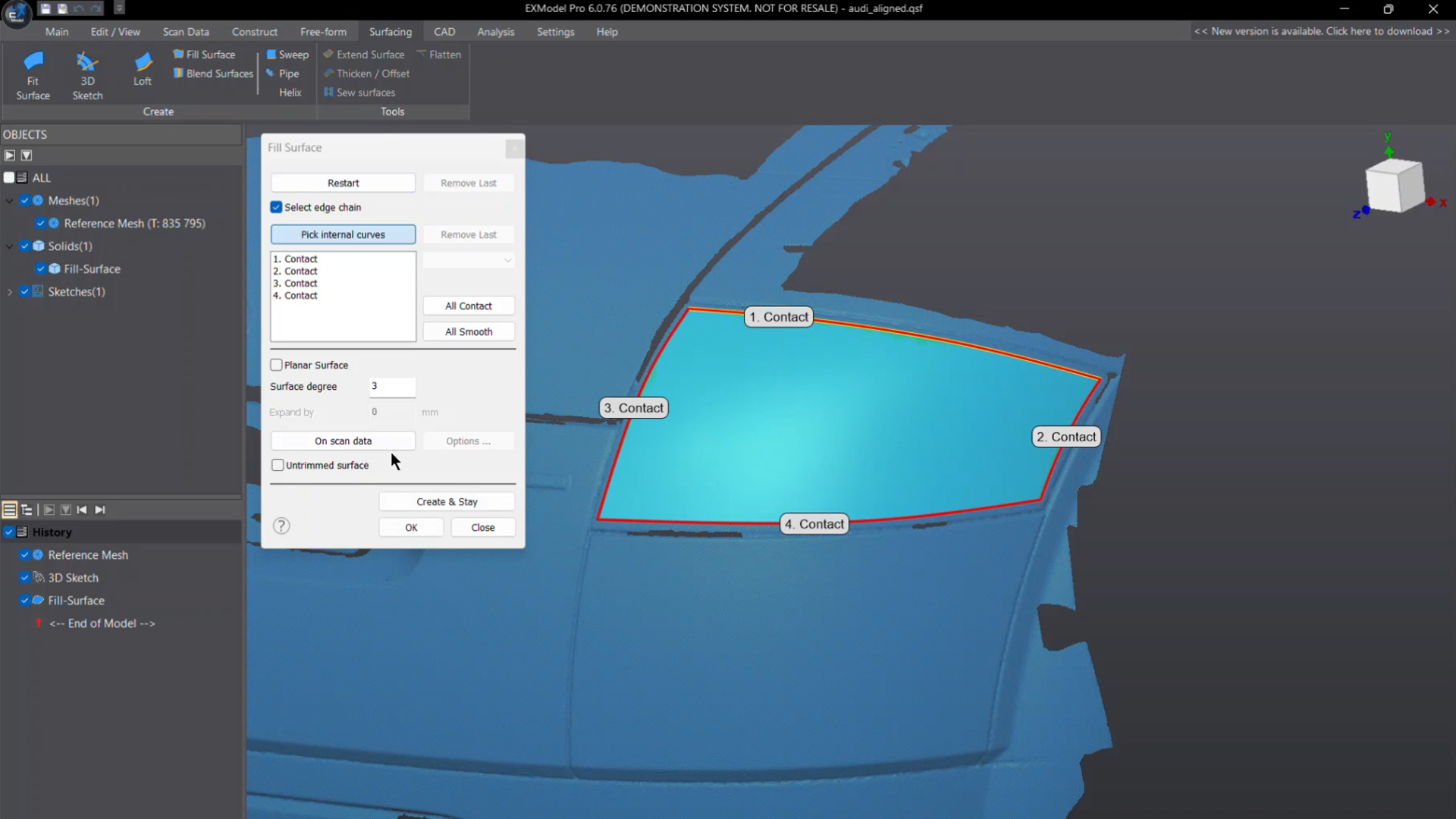
With EXModel, superimposed curves can be created directly on the mesh and used for various applications, including filled surfaces or free-form elements from 3D sketches. Confined surfaces can also be created to define exact basic shapes for further processing and ensure greater precision.
TitleFree-form modelling & automatic surface creation
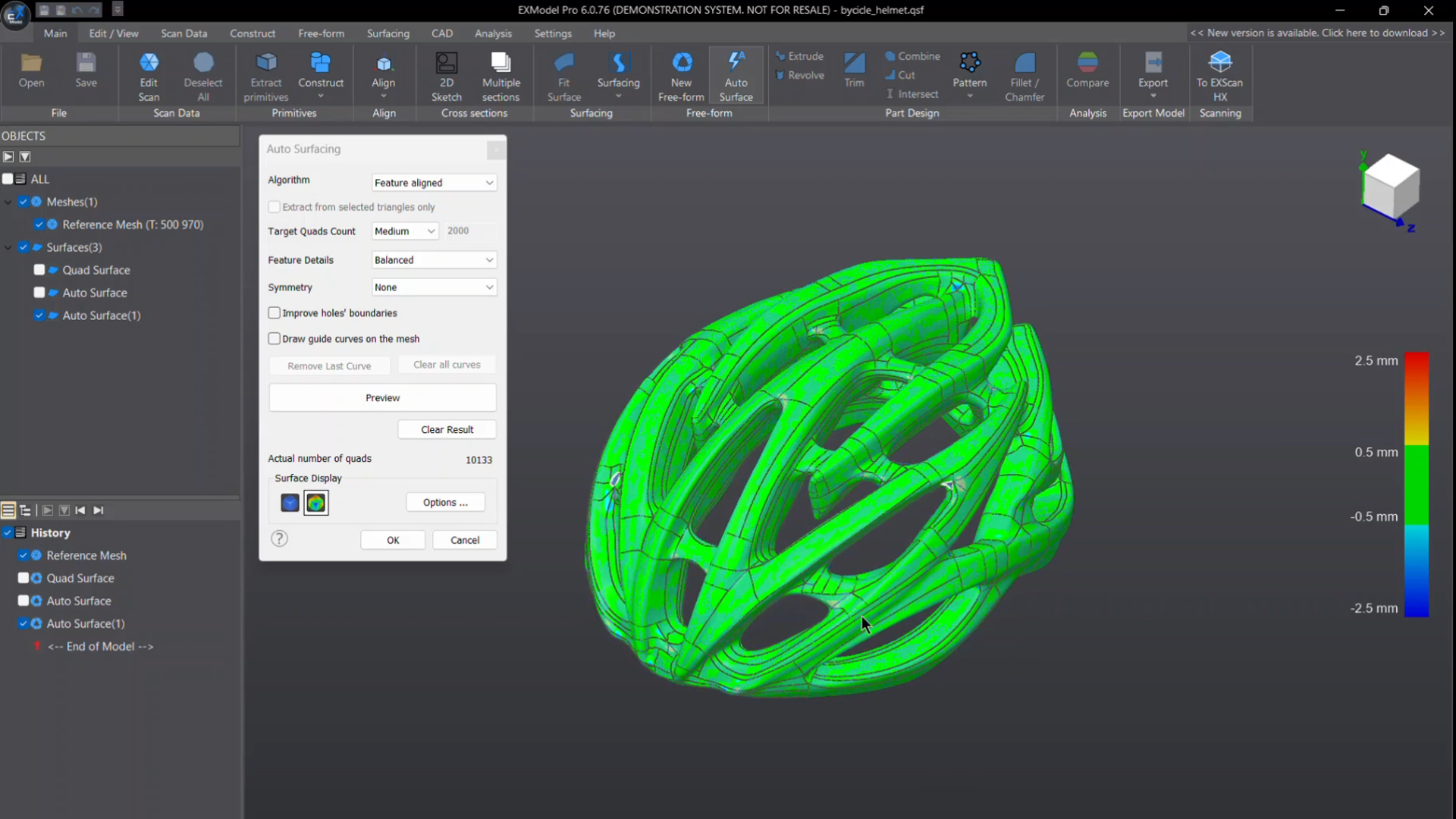
EXModel's intuitive tools allow for flexible mesh editing that reduces data size without compromising accuracy. Users can easily close holes and remove mesh errors to create perfect, print-ready models for reverse engineering or 3D printing.
Available in EXModel Pro
TitleHybrid modelling for maximum flexibility
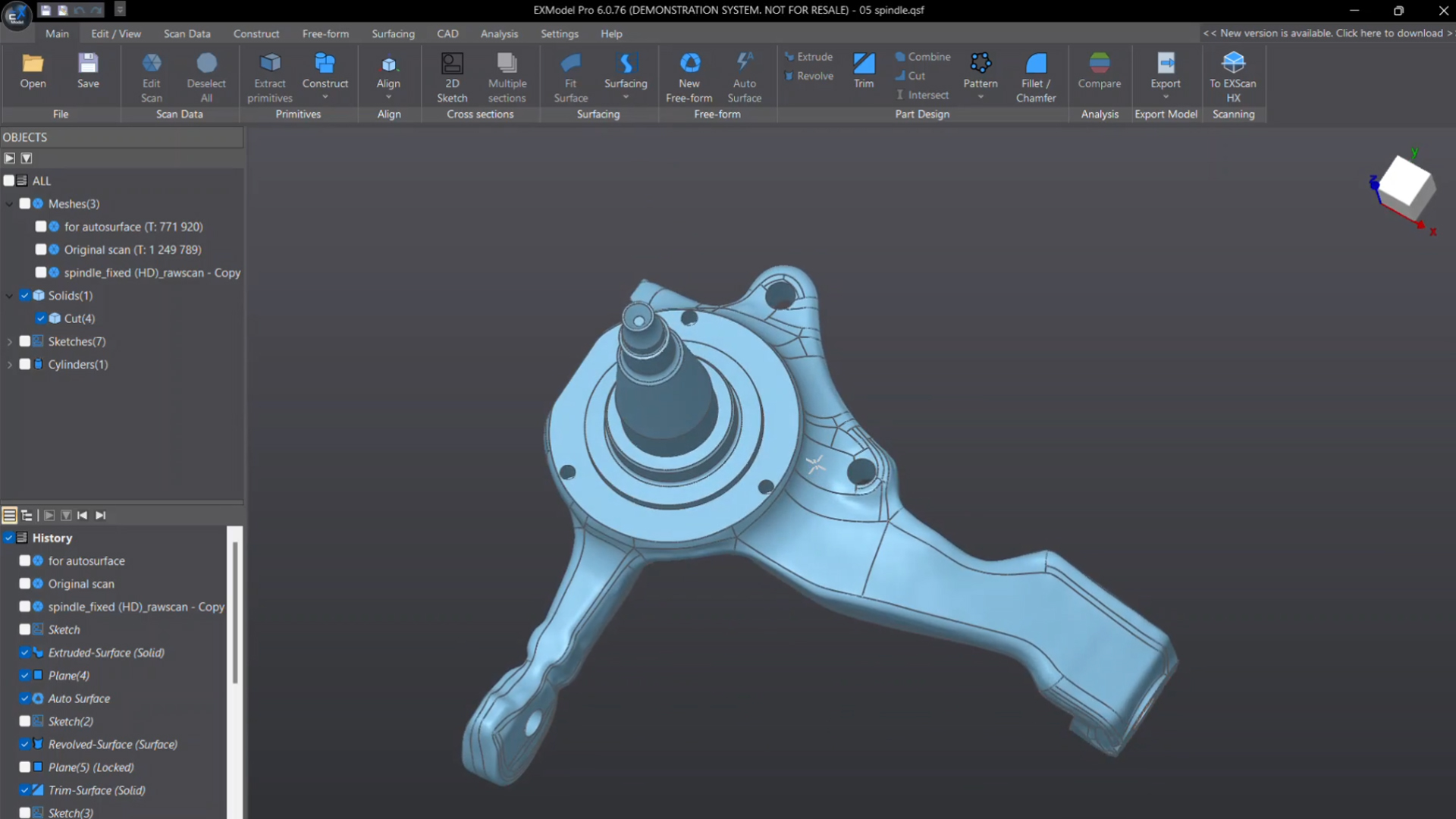
EXModel Pro combines parametric design with freeform and prismatic features to create versatile CAD models. Users have the ability to edit and optimise freeform surfaces as required, ensuring simple and accurate reconstruction.
Available in EXModel Pro
TitleComparison of EXModel Pro & EXModel
| Feature | EXModel Pro | EXModel |
|---|---|---|
| Mesh Editing (Fill Holes, Smoothing, Editing Boundaries) | Image  | Image |
| Mesh Alignment (Coordinates/ N-points/ Fine Align) | Image | Image |
| Primitives Extraction/ Construct References | Image | Image |
| Cross Sections/ 2D Sketching/ 3D Sketching | Image | Image |
| Fit/ Manual Free Form Modelling/ Auto Surfacing | Image | Image |
| Export Features/ Profile as IGES/ STEP/ DXF | Image | Image |
| Extrude/ Revolved Surfaces | Image | Image |
| Helix/ Loft/ Sweep/ Fill Surface (Class A surfaces)/ Blend surface/ Flatten | Image | Image  |
| Constraints/ Offset/ Patterns/Sketch Assist in 2D Sketch | Image | Image |
| Trim to Solid/ Cut/ Combine/ Intersect/ Fillet/ Chamfer/ Patterns | Image | Image |
| Hybrid Modelling (Free-Form & Parametric) | Image | Image |
| Transfer Design and Feature Tree to other Packages | Image | Image |
| Compare | CAD vs. Mesh, Mesh vs. Mesh | CAD vs Mesh |

TitleEXModel & EXModel Pro hardware requirements
The EXModel and EXModel Pro software solutions from Shining 3D enable seamless conversion of 3D scans into professional CAD models. Certain hardware requirements must be met in order to make optimum use of this software.
TitleSystem requirements
Minimum system requirements
- Operating system: Windows 10 (64 bit version)
- Processor: Intel i5 or higher (or equivalent processor from another manufacturer)
- Memory (RAM): 16 GB
- Hard disc space: 256 GB
- Graphics card: Dedicated graphics card from NVIDIA or AMD
- Network: Internet connection recommended for software updates and online functions
Optimum system requirements
- Operating system: Windows 10 or Windows 11 (64 bit version)
- Processor (CPU): Intel Core i7-8700 or higher
- Working memory (RAM): 32 GB or more
- Hard drive storage: At least 256 GB SSD
- Graphics card: Dedicated NVIDIA graphics card, e.g. NVIDIA GTX 1050 Ti or higher
- Network: Internet connection recommended for software updates and online functions

TitleImport & export formats
EXModel is seamlessly integrated into the SHINING 3D ecosystem and offers excellent compatibility with all SHINING 3D scanners, including the HX and FreeScan Combo series.
TitleSupported formats
Import formats
- STL: Standard format for 3D models, frequently used in 3D printing and CAD modelling.
- OBJ: A format that can store both geometry data and texture information, often used in 3D graphics and animation.
- PTX: A point cloud format that contains detailed information about scanned surfaces.
Export formats
- IGES (Initial Graphics Exchange Specification): A standardised format for the exchange of CAD data between different systems.
- STEP (Standard for the Exchange of Product Data): Another widely used format for the exchange of 3D CAD data that offers a high level of compatibility between different software solutions.
These formats make it possible to easily transfer models between EXModel, EXModel Pro and other CAD/CAM software packages, which makes the entire design and manufacturing process more efficient.

TitleVersatile application possibilities
The EXModel and EXModel Pro software from Shining3D offer powerful tools for a wide range of industries and applications. Whether in industrial manufacturing, product design or medical technology – the intelligent combination of 3D scanning, Reverse Engineering and CAD modelling enables efficient and precise digitisation of components and objects. Seamless integration into existing workflows allows scan data to be quickly converted into professional CAD models, saving time and optimising the development process. Discover the diverse areas of application in which EXModel and EXModel Pro can revolutionise your work.
TitleApplications at a glance
Reverse Engineering
- Conversion of scanned 3D meshes into CAD models
- Reconstruction of components without existing design data
- Digitization and replication of complex geometries
Product design & prototyping
- Creation and optimization of design concepts
- Adaptation of existing designs based on scan data
- Development of prototypes for manufacturing
Quality control & inspektion
- Comparison of scanned objects with CAD data
- Detection of deviations and manufacturing errors
- Analysis and documentation of dimensional accuracy
Additive manufacturing (3D printing)
- Preparation of scans for 3D printing
- Creation of watertight meshes for the printing process
- Optimization and adaptation of models for different printing technologies
Mechanical engineering & design
- Adaptation and repair of components
- Integration of scanned parts into existing CAD designs
- Creation of parametric models for manufacturing
Medical technology & orthopedics
- Creation of customized prostheses and orthoses
- Digital reconstruction of anatomical structures
- Development of tailor-made medical devices
Art, archeology & heritage
- Digitization of historical artifacts and sculptures
- Restoration and reconstruction of damaged objects
- Creation of replicas for museums and research
Medicine & healthcare
- Creation of custom-fit prostheses, implants, or orthoses
- Analysis and reconstruction of bone structures for medical applications
- Digitization and archiving of anatomical models for research and education
Tool & mold making
- Digitization of existing tools for reproduction or modification
- Creation of negative molds for injection molding or other manufacturing processes
- Adaptation of tools to specific production requirements
Better advice for users
Are you interested in our offer or would you like to find out more about EXModel software? Then give us a call today and arrange a free, non-binding consultation. We will answer all your questions. As both a dealer and a user, we are ideally positioned to support you after your purchase.