
New software update: Lixel Studio V 3.5.1.0

TitleNew drawing functions, 3DGS support, and improved license management
The latest update provides Lixel Studio with numerous new features and improvements that significantly expand the workflow in point cloud processing and vectorization. In addition to a powerful new drawing module, license management has also been optimized and new import and export formats have been added. The update is therefore aimed at users in surveying as well as those in architecture, construction, and industry.
TitleThe new Plane Draw module enables precise 2D vectorization directly in the point cloud.
A key highlight of the update is the new Plane Draw module. Once activated via the “Draw” mode, users have access to a comprehensive set of tools for creating precise geometric objects directly in the point cloud. The new AI Extract function, which can be used to automatically extract linear vectors from the point cloud, is particularly efficient.
The quality of the derivation can be controlled using several parameters, such as the ground sampling distance to determine the actual pixel resolution or the degree of simplification via the voxel size. With the optional 90-degree alignment, the generated vectors follow the so-called “Manhattan World Principle” and parallel and orthogonal structures are recognized particularly cleanly. In addition, the maximum extension of vectors for automatic intersection search can be defined.
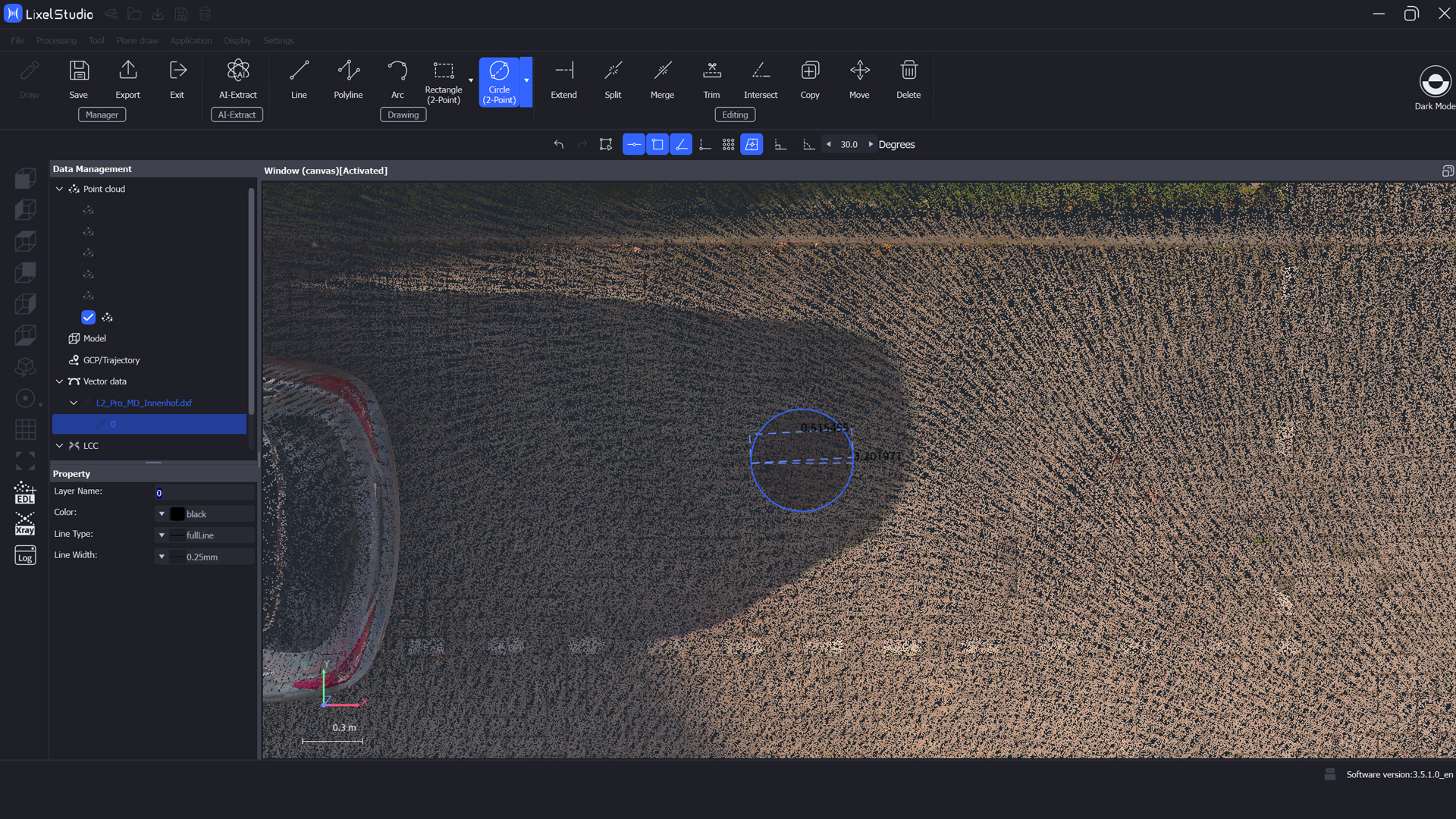
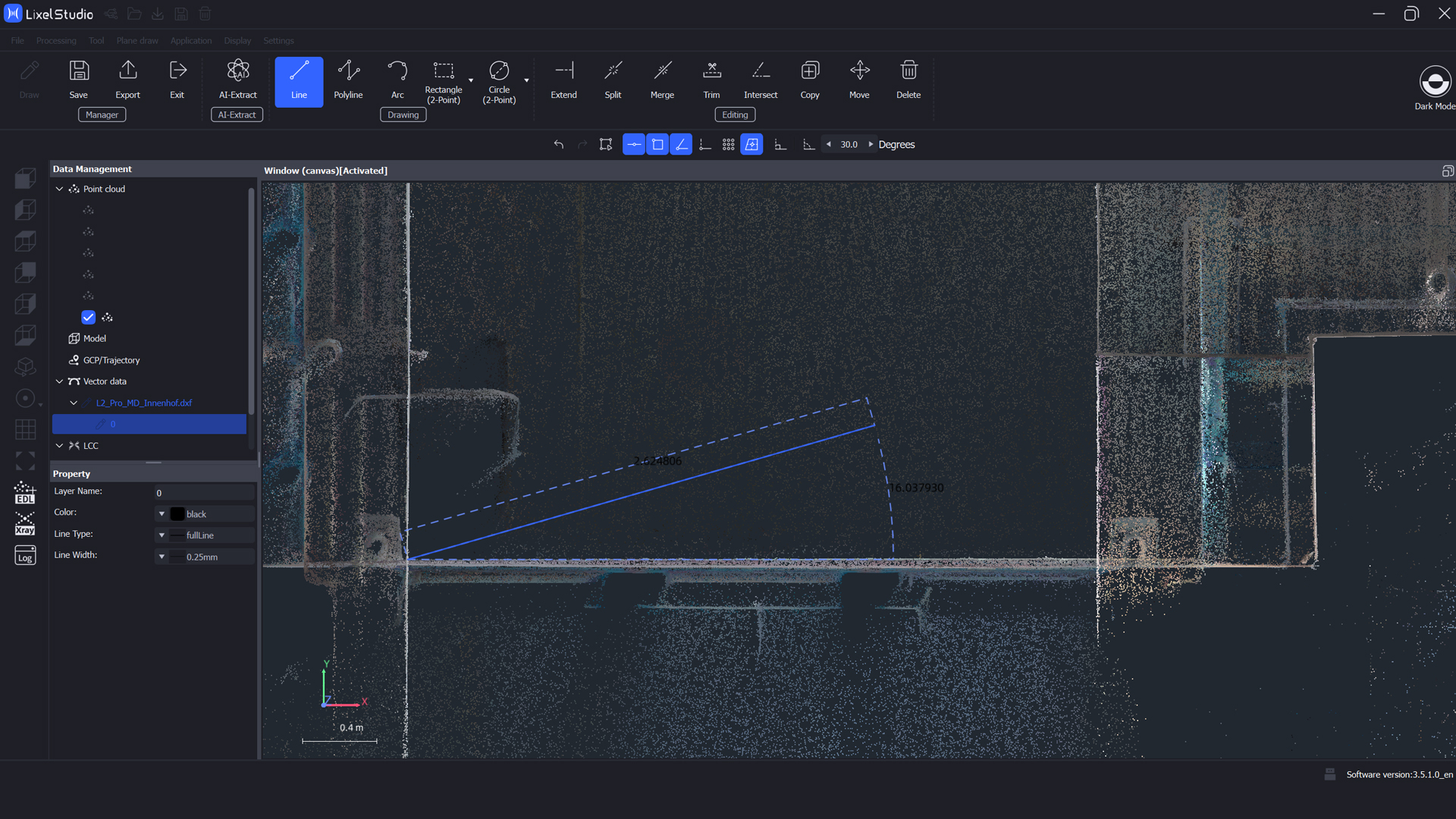
Extensive basic drawing tools are available for manual drawing. These include lines, polylines, arcs, various rectangle variants, and several options for creating circles: either using three points, two diameter points, or the center point and radius. This allows floor plans, facades, technical structures, or surfaces to be derived very flexibly directly from the point cloud.
Convenient vector editing directly in the project
In addition, a complete set of vector editing tools has been integrated. Lines can now be extended, cut, connected, trimmed, copied, moved, or deleted. It is also possible to cleanly merge vectors with common nodes. All these functions ensure a significantly more efficient, CAD-like workflow directly within Lixel Studio, eliminating the need for an external drawing editor.
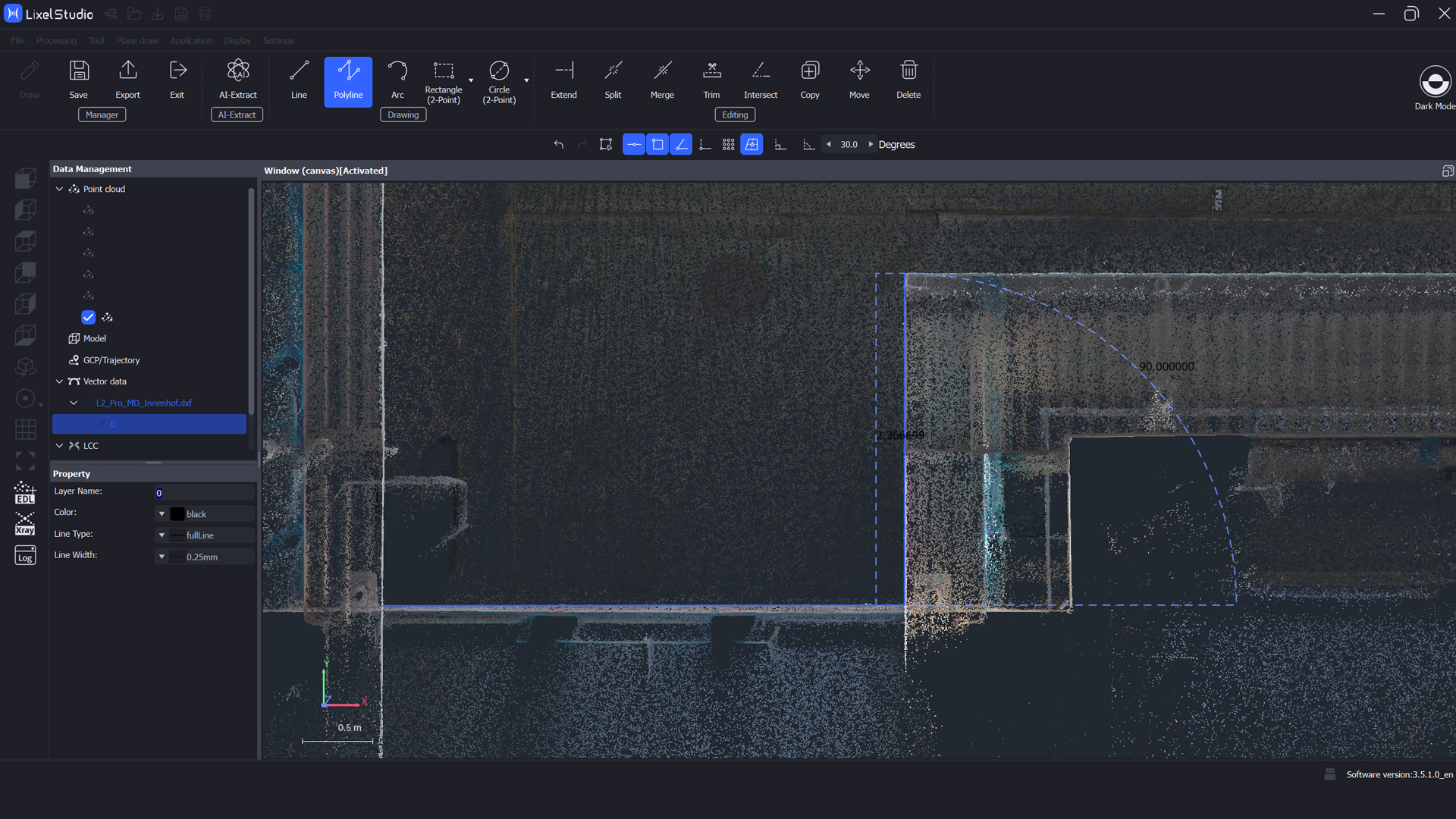
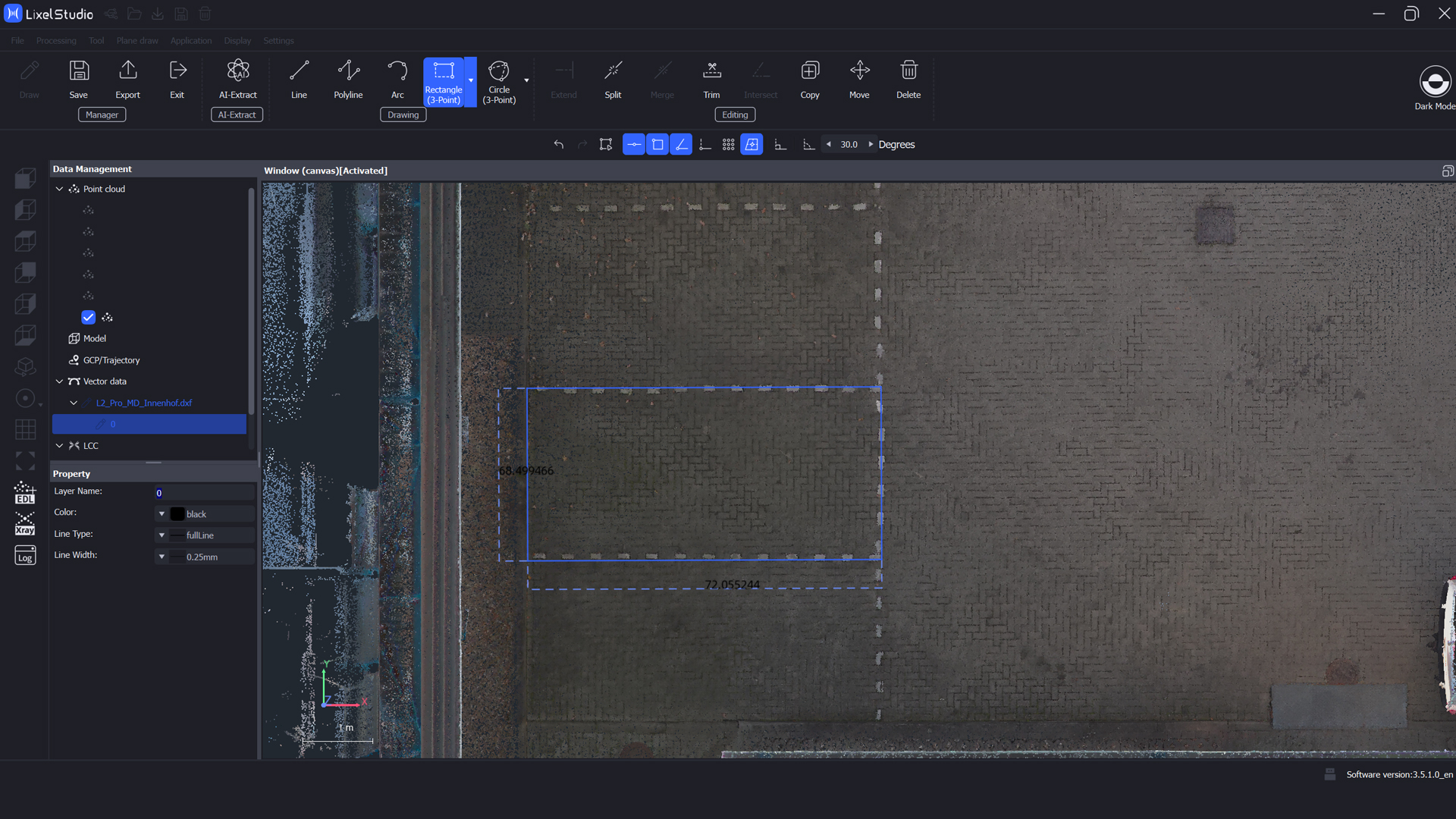
Numerous help and snap functions are available to provide further support for precise work. These include, for example, snap points for centers, endpoints, intersections, vertical projections, and circle centers, as well as an orthogonal drawing mode. A lasso selection, an undo/redo function with up to 100 steps, and an angle snap also make it much easier to work cleanly and with control.
TitleNew license features: Reminder and easy transfer
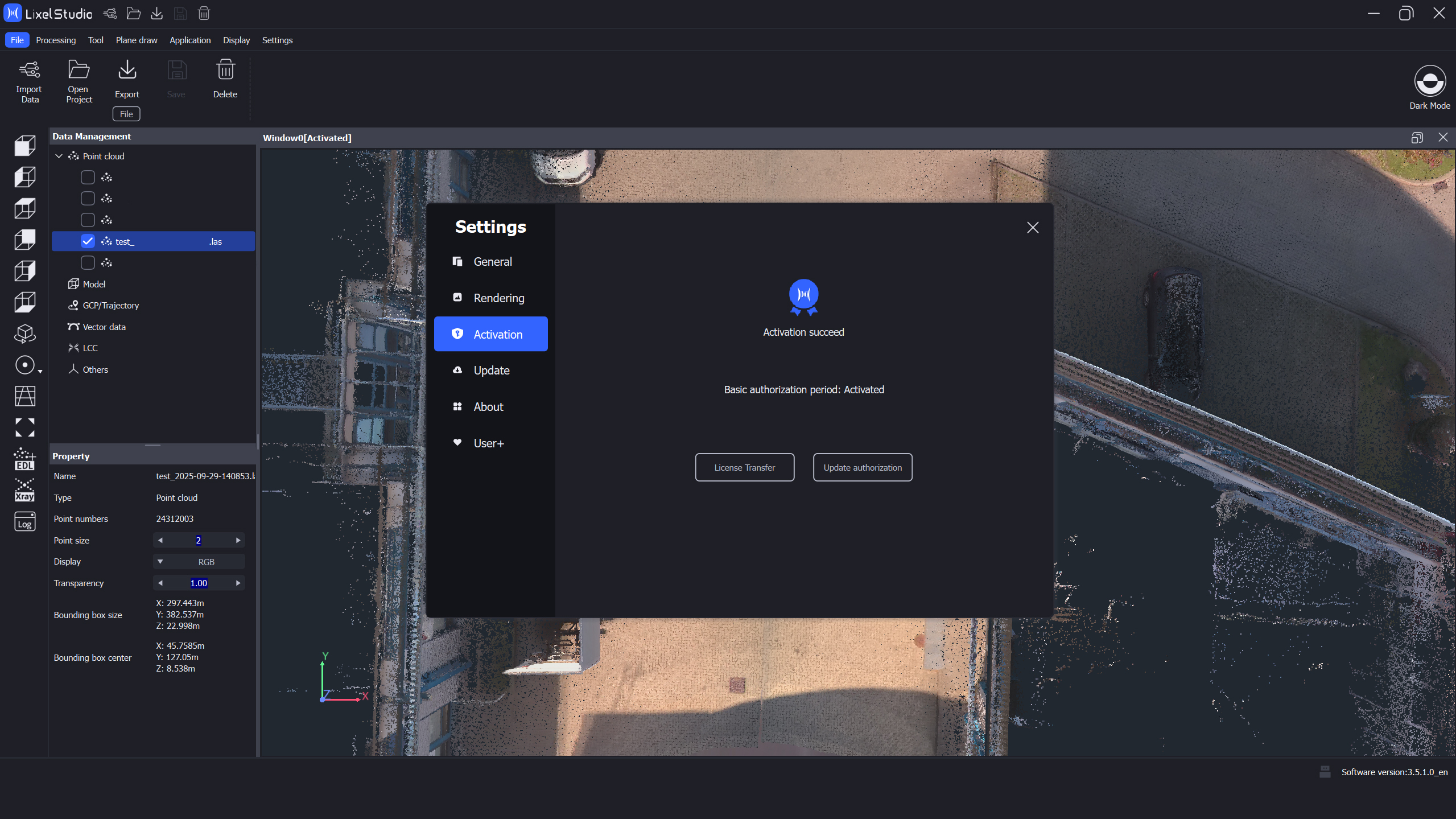
License management has also been revised. Users are now automatically reminded via pop-up when their current license expires in seven days. In addition, licenses can now be transferred directly via the settings. After the transfer, a text file with the new license code can be downloaded, while the previous code is automatically deactivated. This greatly simplifies use on multiple workstations or when changing hardware.
TitleScaling bar for better orientation
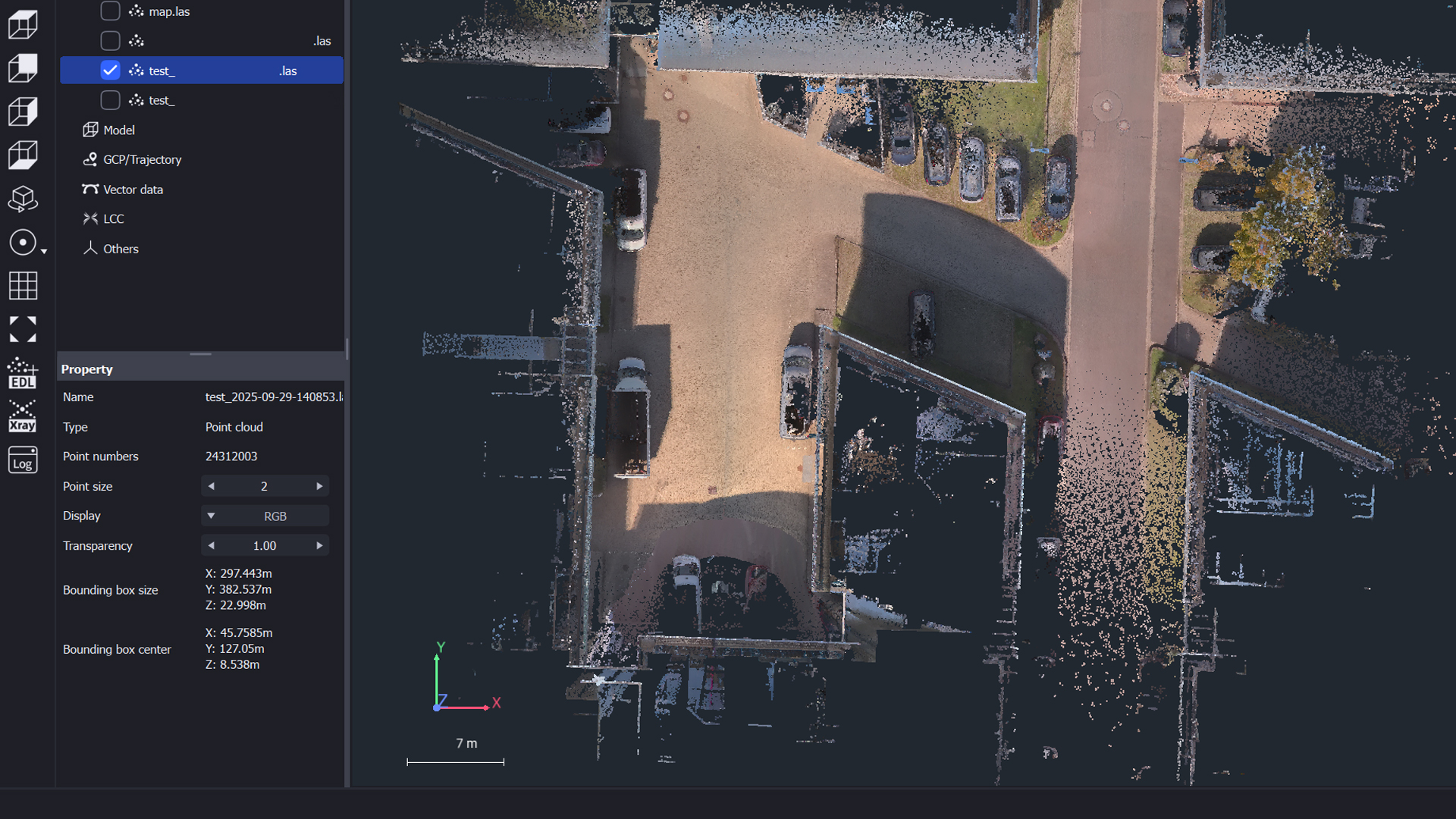
Another useful detail is the new scaling bar, which is displayed by default at the bottom left of the workspace. It allows you to visually assess the scale while editing. The scale is displayed in horizontal and vertical cuts as well as in clipping tools, among other places, and thus significantly improves spatial orientation.
TitleSupport for 3DGS models in LCC format
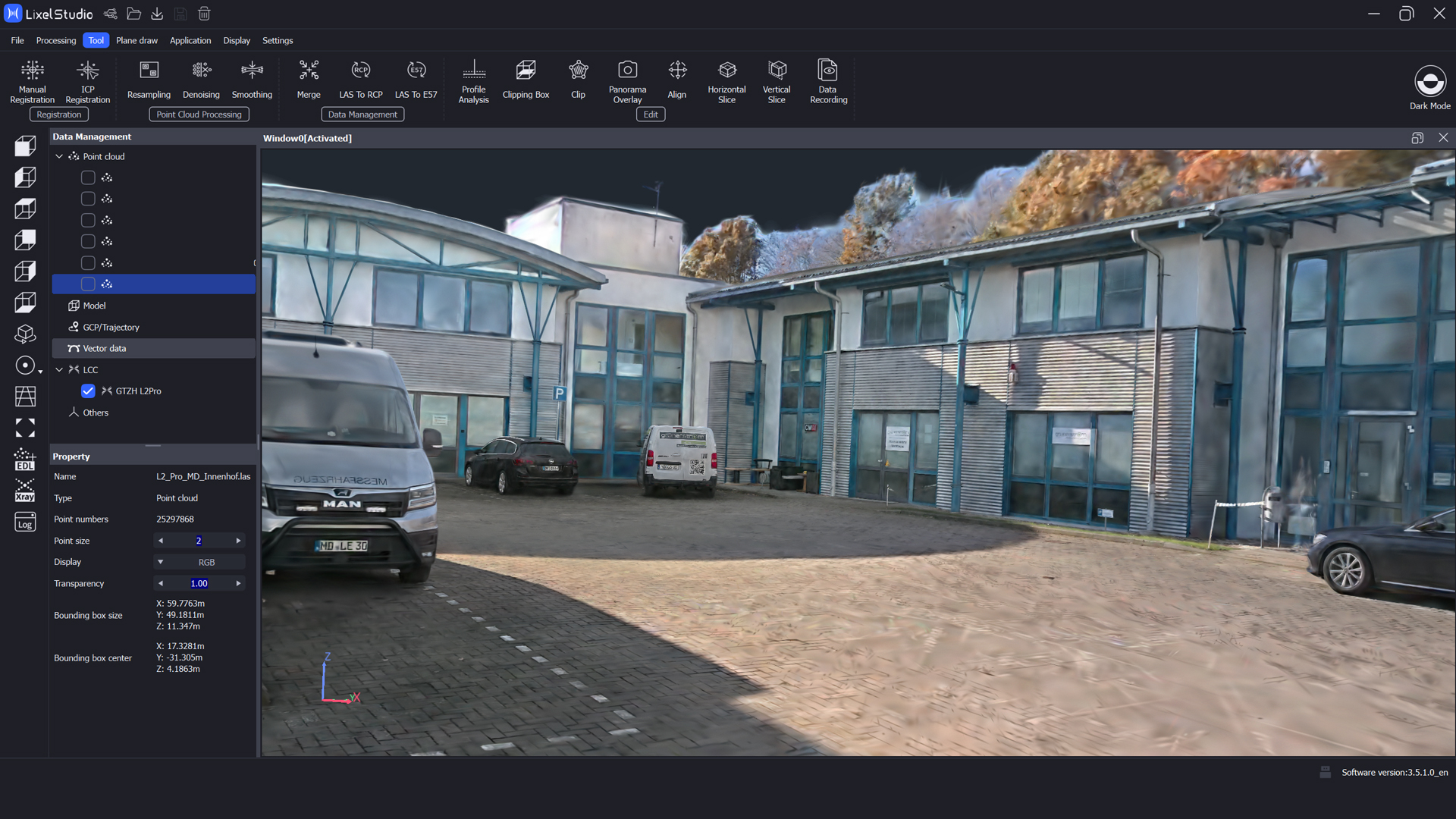
Starting with version 3.5.0.0, Lixel Studio supports the import of 3D Gaussian splatting models in .lcc format. These can be exported directly from LCC Studio and then visualized in Lixel Studio. This brings point cloud workflows and modern 3DGS display formats closer together—an important step for visualization, presentation, and VR applications.
TitleNew export in .ilas format for CAD applications
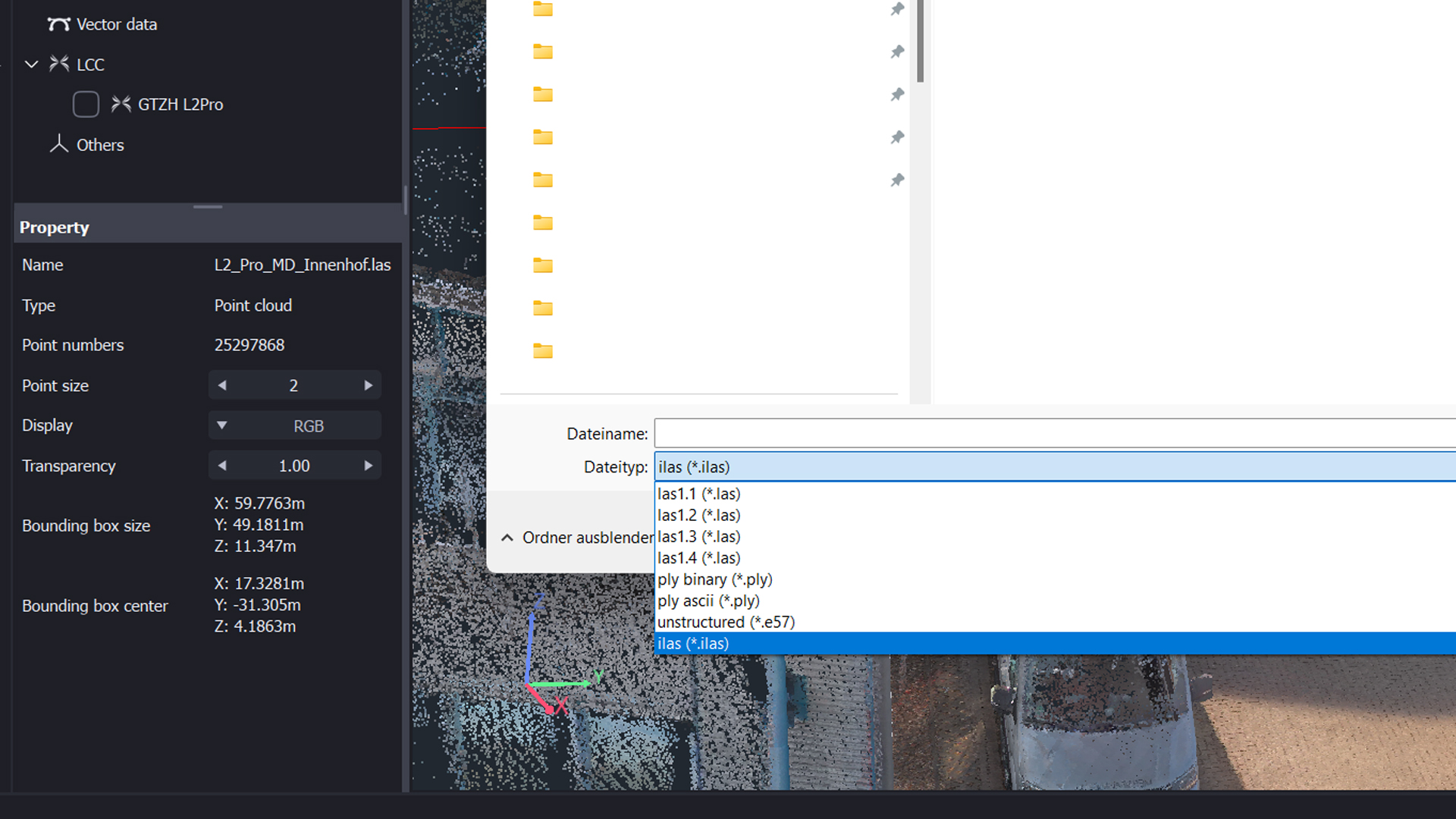
In addition, the option to export point clouds in .ilas format has been added. This format can be imported directly into various CAD systems, which greatly facilitates data exchange between Lixel Studio and classic CAD software. This feature significantly simplifies work, especially for users in the fields of planning and design.
Better advice as a user
If you are interested in our offer or would like to learn more aboutLixel Studio, then call us today and arrange a free and non-binding consultation appointment for you. We will answer all your questions. As a dealer and at the same time a user, we are well positioned to assist you even after the purchase.